

Best eSIM Adapter for Work/Personal Numbers 2026: Switch Max
Splitting a work number from a personal number without carrying two phones means finding hardware that stores both eSIM profiles and lets you switch between them without a carrier's app. The Switch eSIM Adapter Max wins for iPhone and Android alike, holding up to 15 profiles on one card, with the Switch eSIM Adapter Pro as the Android-only budget pick and the Bluetooth eSIM Card Reader Bundle covering iPhone owners who never touch an Android phone during setup. All three still depend on the target device having a physical SIM slot — none of this works on an eSIM-only phone.
- Switch eSIM Adapter Max is the best esim adapter for work and personal numbers on both iPhone and Android, storing up to 15 profiles on one card.
- Switch eSIM Adapter Pro costs less but manages profiles only through the Switch Android app — no iPhone path exists.
- The Bluetooth eSIM Card Reader loads profiles onto a card without any app or account, the only route for iPhone-only households in 2026.
- Every adapter still needs a phone, router, or hotspot with a physical SIM slot; carrier-locked and eSIM-only devices are excluded.
Why this matters
Most phones sold in 2026 that support native eSIM still run one active profile at a time from a single slot, so splitting a work number from a personal one usually means switching manually inside carrier settings or paying for a second physical SIM. A dedicated adapter card moves that switching outside the carrier's control and gives you a fixed number of stored profiles instead of whatever ceiling the phone maker set.
The catch is compatibility, not convenience. A carrier-locked phone or a phone without a physical SIM slot blocks every adapter on this list, no matter which one you buy.
What makes the best eSIM adapter for work and personal numbers
- Physical SIM slot compatibility — the phone, router, or hotspot must accept a nano-SIM sized card; no exceptions.
- OS-level management path — Android app, Bluetooth reader, or no app at all changes how profiles get loaded.
- Profile storage capacity — how many numbers the card holds before you need a second card.
- Carrier-lock and network-band fit — a locked phone or an unsupported band list stops the adapter from working even with a compatible slot.
- Privacy model — cloud-account sync versus local, no-account storage.
- Cross-device reach — phone-only versus also usable in a router or mobile hotspot.
At a glance
| Adapter | Best for | Standout feature | Key limitation |
|---|---|---|---|
| Switch eSIM Adapter Max | Splitting numbers on iPhone and Android | 15-profile capacity across both platforms | iPhone still needs a physical SIM slot and no companion app |
| Switch eSIM Adapter Pro | Android-only budgets | Direct Switch Android app control | No iPhone path at all |
| Bluetooth eSIM Card Reader | iPhone owners with no Android phone | Loads profiles with no app or account | Reader only provisions the card, doesn't run on the phone |
| Adapter + Bluetooth Reader Bundle | Splitting a number across phone, router, and hotspot | One card moves between multiple SIM-slot devices | Only one profile active per device at a time |
1. Switch eSIM Adapter Max: best for iPhone and Android in the same household
Switch eSIM Adapter Max is a physical card that stores up to 15 eSIM profiles and works in any compatible phone with a SIM slot on either Android or iPhone. On Android, profiles get managed through the Switch app; on iPhone, there is no equivalent management app, so profiles are provisioned onto the card beforehand — typically through the Bluetooth reader — before it goes into the tray.
Switch eSIM Adapter Max pros:
- Same card works across iPhone and Android, so a mixed-device household doesn't need two products.
- Stores up to 15 profiles, enough headroom for a work number, a personal number, and a few travel profiles.
- No jailbreak or carrier override required — it uses the phone's existing physical SIM slot.
Switch eSIM Adapter Max cons:
- The target iPhone still needs a physical SIM tray; recent eSIM-only iPhone variants sold in some regions are excluded.
- iPhone profile switching happens outside any companion app, since Apple gives third-party adapters no management hook.
- Carrier-locked phones and unsupported network bands block the card regardless of adapter compatibility.
Verdict: Buy if your household mixes iPhone and Android and you want one adapter model to standardize on.
2. Switch eSIM Adapter Pro: best for Android-only budgets
Switch eSIM Adapter Pro is the Android-focused version of the same physical card, managed entirely through the Switch Android app. It holds the same 15-profile ceiling as Max but drops any iPhone provisioning path, which keeps the product simpler for a single-platform household.
Switch eSIM Adapter Pro pros:
- Direct app-based switching on Android — no separate reader needed for day-to-day profile changes.
- Same 15-profile capacity as Max at a lower entry cost.
- Fast switching between a work number and personal number from inside one app.
Switch eSIM Adapter Pro cons:
- No iPhone path whatsoever — buying Pro for a mixed household means buying Max separately for the iPhone.
- Still requires an unlocked or compatible-carrier Android phone with a physical SIM slot.
- App-dependent switching means the phone needs the Switch app installed and working.
Verdict: Buy for Android-only setups. Skip if anyone in the household carries an iPhone.
3. Bluetooth eSIM Card Reader: best for iPhone owners with no Android phone on hand
The open-source Bluetooth eSIM Card Reader pairs with a compatible card over Bluetooth and loads profiles directly, with no app install and no account creation. That matters specifically for iPhone-only households, since Max's iPhone path depends on a reader (or a pre-provisioned card) rather than an Android app that doesn't exist for iOS.
Bluetooth eSIM Card Reader pros:
- No Android phone required to configure a Max card for iPhone use.
- No account or cloud login — profiles load locally over a Bluetooth pairing.
- Open-source firmware, so setup doesn't depend on Switch maintaining an app-store listing over time.
Bluetooth eSIM Card Reader cons:
- The reader itself doesn't run on the phone — it only provisions the card, which then goes into the phone's SIM slot.
- Adding or changing a profile means re-pairing the reader each time, not a one-tap in-app switch.
- The receiving device still needs a physical SIM slot and a compatible carrier.
Verdict: Buy if you're an iPhone household with zero Android devices to spare for setup.
4. Adapter + Bluetooth Reader Bundle: best for splitting a number across more than one device
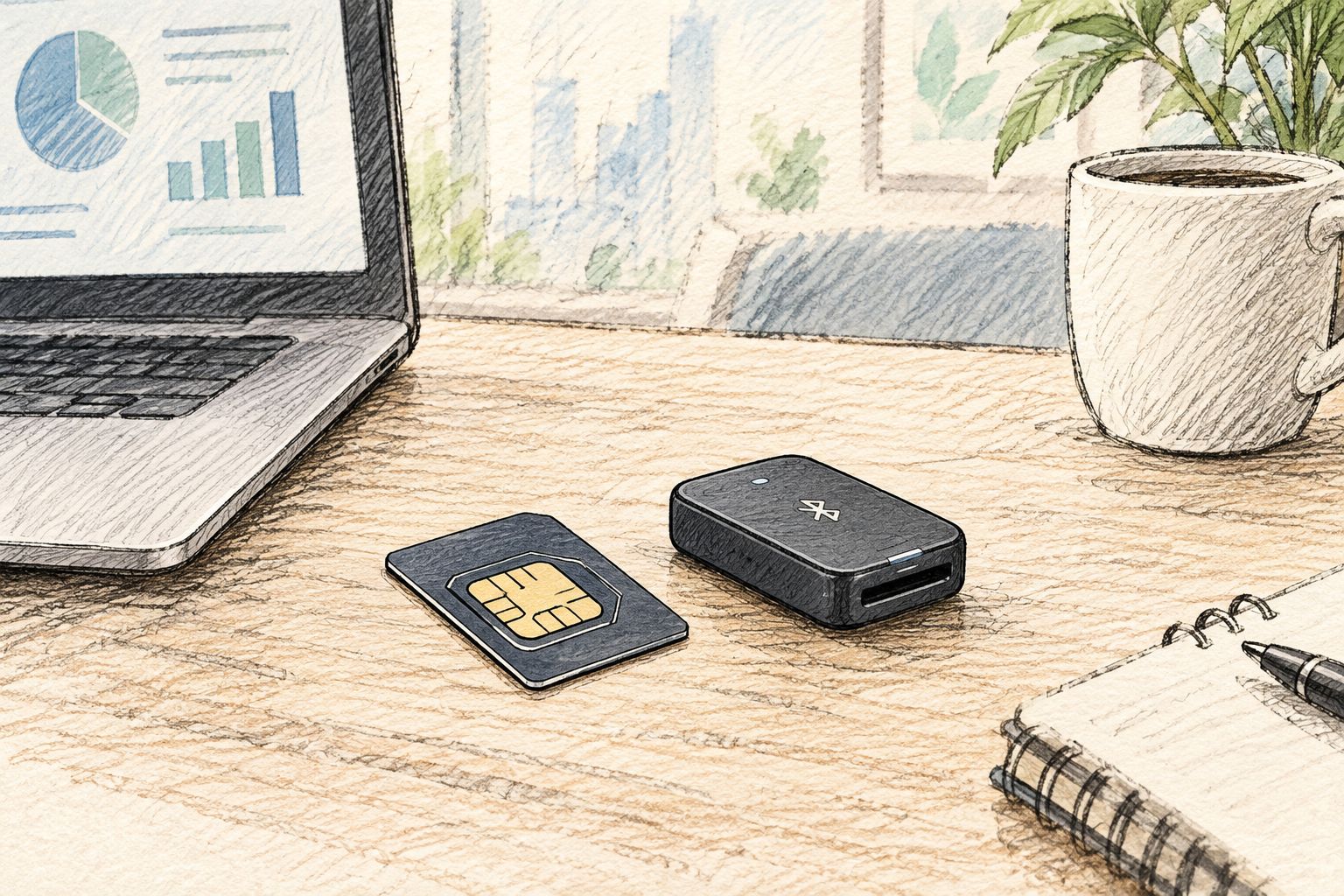
The Switch eSIM Adapter + Bluetooth Card Reader Bundle pairs an adapter card with the reader so the same 15-profile card can move between a phone, a mobile hotspot, and a router, as long as each device has a physical SIM slot. That's the use case Max and Pro alone don't cover: separating a work number by device rather than just by profile inside one phone.
Bundle pros:
- One card provisions once and moves between multiple SIM-slot devices.
- Covers both iPhone and Android use without buying Max and Pro separately.
- No per-device app install — the reader handles provisioning outside any phone.
Bundle cons:
- Only one profile is active per device at a time, so swapping the card between a phone and a router still means physically moving it.
- Every target device needs its own compatible physical SIM slot and network bands — a router that lacks one is out regardless of the card.
- Two pieces of hardware (card and reader) to keep track of instead of one.
Verdict: Buy for anyone splitting a work number across a phone and a secondary device like a hotspot in 2026.


How we ranked
Each adapter got measured against the six criteria above: physical slot compatibility, OS-level management path, profile capacity, carrier-lock and band fit, privacy model, and cross-device reach. Max and Pro tie on capacity — both hold 15 profiles — so the split comes down to platform reach, not storage. The Bluetooth reader and the bundle earn their spots by solving a provisioning problem the app-based products can't: getting a profile onto a card without ever touching an Android app.
“The device you own decides the adapter, not the other way around — an iPhone without a physical SIM slot rules out every card on this list before capacity or price even matter.”
Which eSIM adapter should you choose?
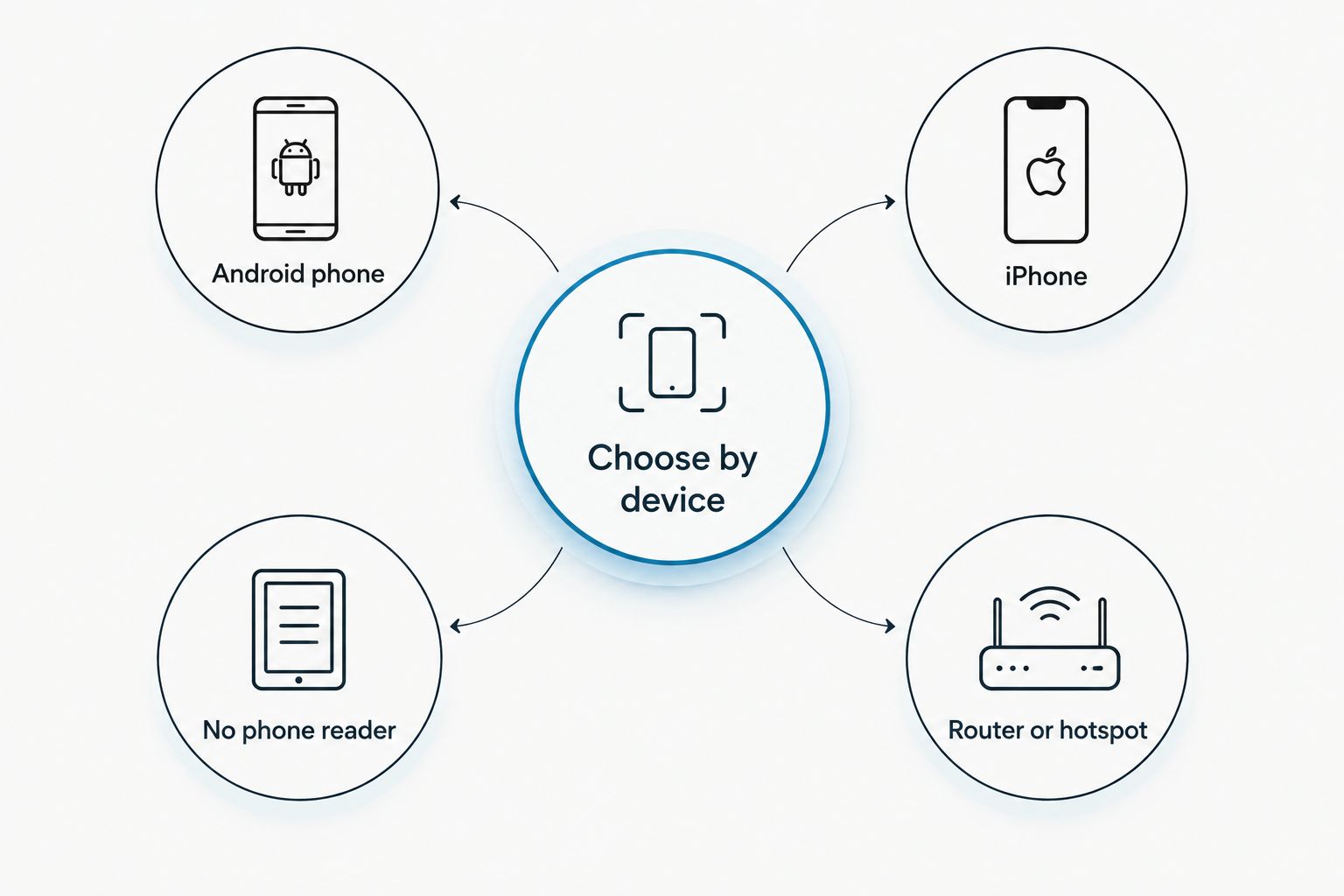
Default to the Switch eSIM Adapter Max if your household has at least one iPhone and one Android phone splitting numbers between work and personal use in 2026. Go with Switch eSIM Adapter Pro if every device involved is Android and app-based switching is enough. Reach for the Bluetooth eSIM Card Reader or the full bundle if you're iPhone-only with no Android phone to spare, or if the number needs to move between a phone and a secondary device like a hotspot.
FAQ
What's the best eSIM adapter for separating work and personal numbers in 2026?
The Switch eSIM Adapter Max is the best pick for 2026 because it stores up to 15 profiles and works on both iPhone and Android with a physical SIM slot.
Can I use one eSIM adapter for both iPhone and Android?
Yes, the Switch eSIM Adapter Max works on both platforms, but iPhone profiles are loaded beforehand rather than through an app, since no Android-style management app exists for iOS.
Do I need an Android phone to set up an eSIM adapter?
No. The Bluetooth eSIM Card Reader loads profiles onto a card without any phone, app, or account, which covers iPhone-only households.
How many profiles can a Switch eSIM adapter store?
Both the Switch eSIM Adapter Pro and Max store up to 15 eSIM profiles on one card, enough for a work number, a personal number, and several travel profiles.
Will an eSIM adapter work on a carrier-locked phone?
No. A carrier-locked phone blocks any eSIM adapter regardless of the card's compatibility, since the lock sits at the network level, not the SIM slot.
Is the Bluetooth eSIM card reader required for iPhone use?
It's the most direct route, since the reader provisions a card with no app or account before it goes into the iPhone's SIM tray.
Does an eSIM adapter need an app or account?
The Switch Android app is required for Pro and for managing Max on Android; the Bluetooth reader needs neither an app nor an account.
Can the same eSIM adapter card work in a router or hotspot?
Yes, as long as the router or hotspot has its own physical SIM slot, the same card used in a phone can be moved into it via the bundle setup.
One last thing
The Bluetooth Card Reader's firmware is open source, which means the provisioning step doesn't depend on Switch keeping an app updated in an app store for years — worth knowing if you're setting this up as a long-term work/personal split rather than a short travel fix in 2026.



