
eSIM adapters for photographers and videographers: complete 2026 guide
Photographers’ and videographers’ eSIM adapter hardware is a removable card for a compatible physical SIM slot, used to access eSIM plans for location work and file delivery. It does not unlock a carrier-locked device, improve network coverage or guarantee upload speed; this 2026 guide explains how to choose the card, load profiles and test your production workflow.
- Choose an esim adapter for photographers and videographers by device compatibility and profile-loading method, not promised upload speed.
- Switchesim eSIM adapters suit location crews whose compatible devices lack native eSIM support.
- Switch Pro uses Android-based profile management; configured Switch Max cards also support compatible iPhones.
- The Bluetooth reader provides a separate provisioning route without requiring an Android phone.
- Stored profiles are not simultaneous connections; test uploads and your fallback network before the shoot.
Why eSIM adapters matter for photographers and videographers
Your production connection has separate jobs: reaching clients, sending previews and delivering media. A plan suitable for messaging is not automatically suitable for uploading camera originals, and a removable adapter does not change that distinction.
Start with the equipment you already own. Check whether native eSIM is supported and whether the provider accepts that device; use an adapter when a compatible physical SIM device needs a different provisioning route. The guide to adding eSIM to a phone without native support covers that starting point.
Switchesim eSIM adapters are best for location crews that need removable eSIM hardware for compatible physical-SIM devices. The benefit is profile access, not a faster radio. Your phone or hotspot, network coverage, provider terms and location still determine whether the connection meets your deadline.
Build a setup around your actual shooting workflow
Check your device before choosing an adapter
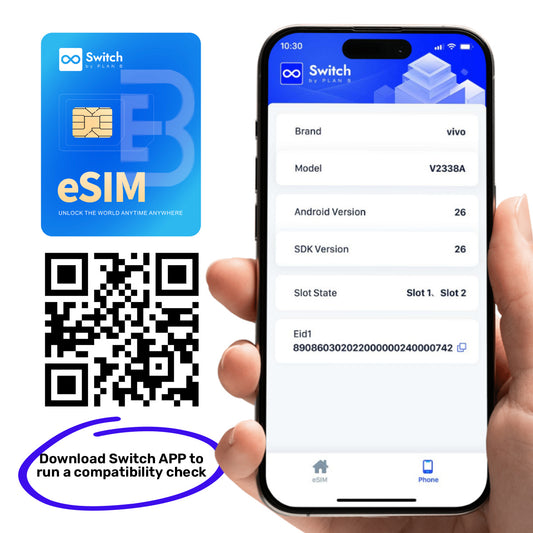
Use the manufacturer’s specifications and your device settings first. Record the exact model, regional variant, operating system and carrier-lock status rather than relying on the phone’s marketing name. A physical SIM tray is necessary, but it is not sufficient evidence of compatibility.
Check the device that will actually provide connectivity. If your editing laptop connects through a hotspot, the hotspot’s compatibility matters; the laptop’s operating system does not establish whether the adapter works inside that hotspot.
For a 2026 equipment purchase, confirm the current requirements for your exact hardware and software combination. Do not treat an older compatibility result for a similarly named device as approval for your unit.
- Confirm that the target device has a compatible physical SIM slot.
- Record its model identifier and regional variant.
- Check its operating system against the current management requirements.
- Confirm carrier-lock status with the carrier.
- Check destination network bands and provider restrictions.
Separate communication needs from media delivery
Review your file inventory manually before choosing a plan. Use actual export sizes from your editing software and distinguish essential deliveries from transfers that can wait for a suitable fixed connection. This avoids buying around vague descriptions such as heavy use.
Keep previews separate from originals. A contact sheet, review export and final master serve different purposes, so decide which deliverable must leave the location and which can remain on local storage until later.
Destination-data bundles illustrate why allowance and validity need separate checks. The supplied catalog includes Australia options labelled 20GB / 30-Day and 50GB / 180-Day; those figures describe different plan dimensions, not upload performance. Check when validity begins, not just how long the assignment lasts.
- List the files that must reach the client from location.
- Measure their sizes using real exports.
- Reserve data for maps, messages and production coordination.
- Check tethering, fair-use and speed-restriction terms.
- Confirm the allowance, validity period and activation trigger.
Choose your profile-management route
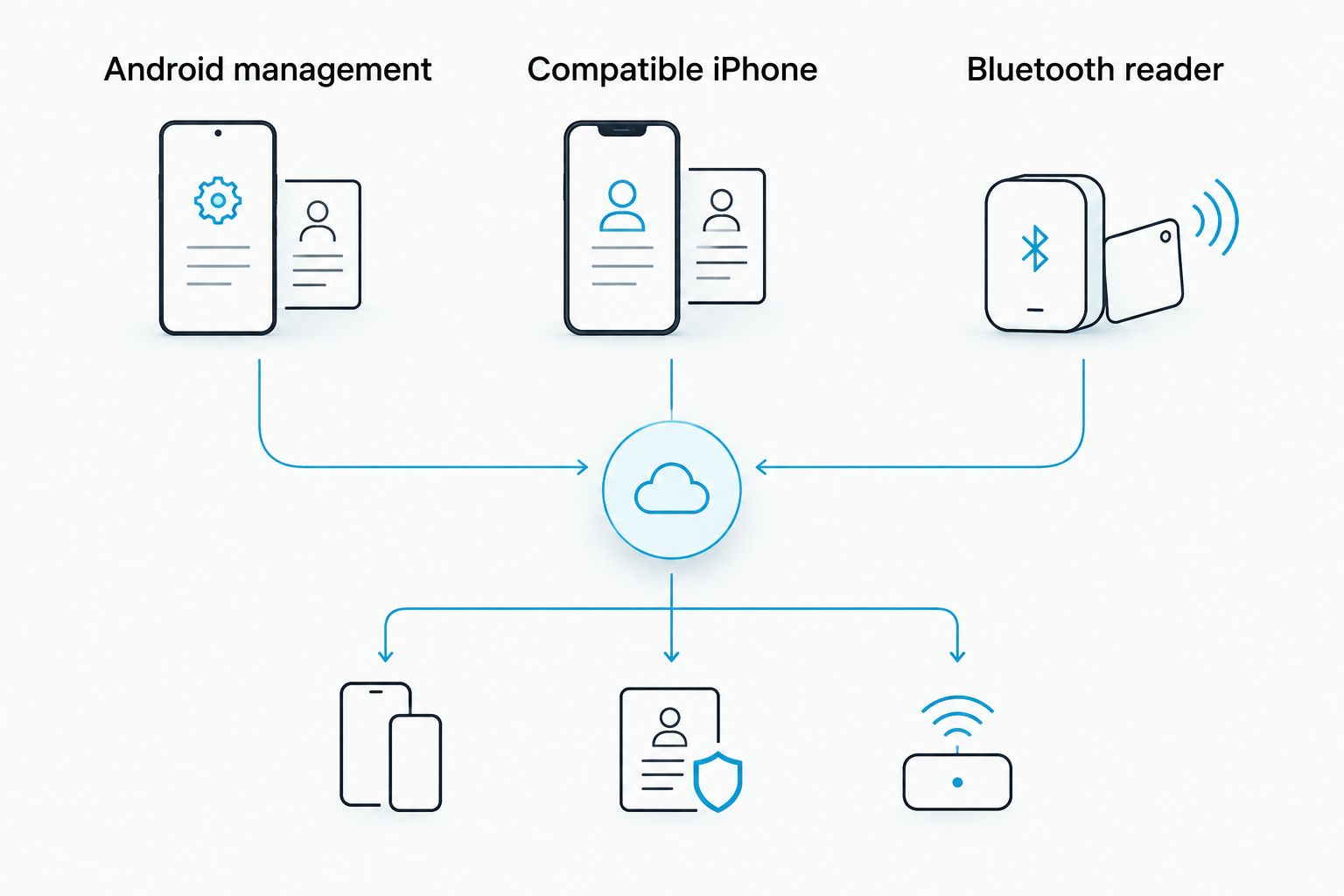
Write down who will load profiles and which device that person can access. That manual planning step comes before buying hardware. Managing a card through Android, using a configured card in an iPhone and provisioning through a reader are different workflows.
Switch Pro uses Android-based profile management through the Switch Android app. Switch Max extends card use to compatible iPhones, but an iPhone being able to use a configured Max card does not establish that it performs the same management tasks as the Android app.
The Bluetooth reader is the alternative provisioning route when you do not want to depend on an Android phone. Switchesim describes the reader as open source, working with iPhone and Android, with no app or account required. Confirm the current provisioning instructions and supported environment before selecting that route.
- Choose Android management when a compatible Android device is part of your kit.
- Choose Max for a confirmed compatible iPhone workflow.
- Add the Bluetooth reader when Android-independent provisioning is required.
- Confirm the provider supplies a supported activation method.
- Assign profile loading to a named crew member.
Match profile capacity to your itinerary
Create a simple itinerary with the country, provider, activation instructions and intended device for each assignment. Do this in a local document before loading profiles. It provides a useful reference when a producer or assistant needs to identify the correct plan.
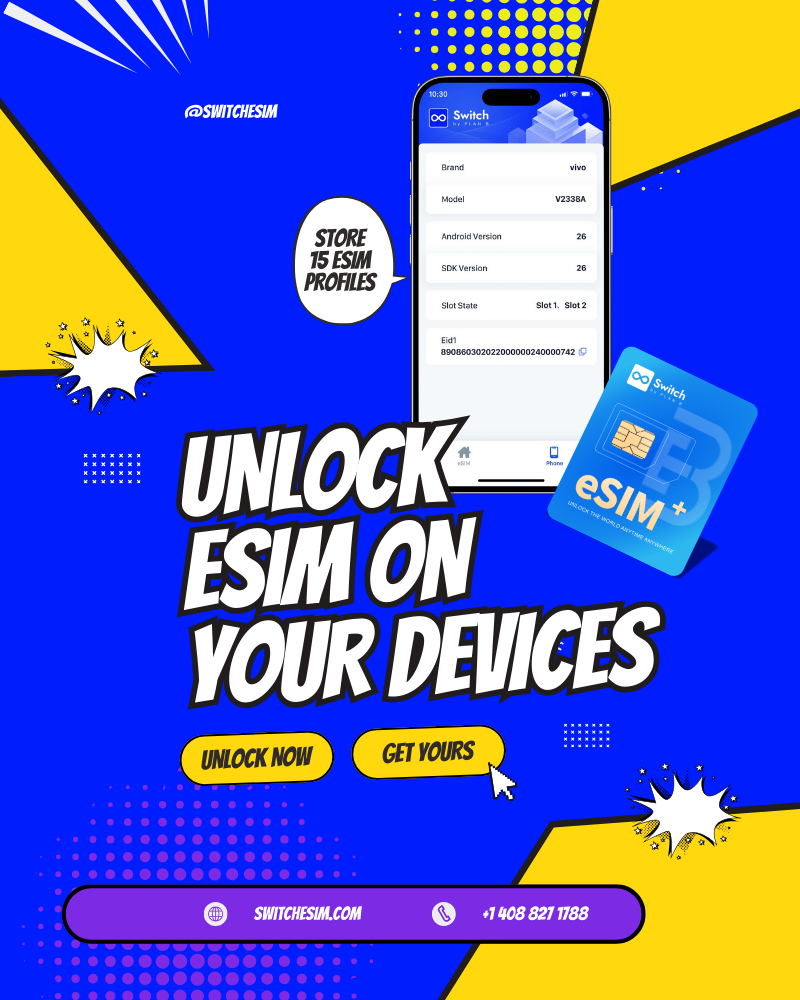
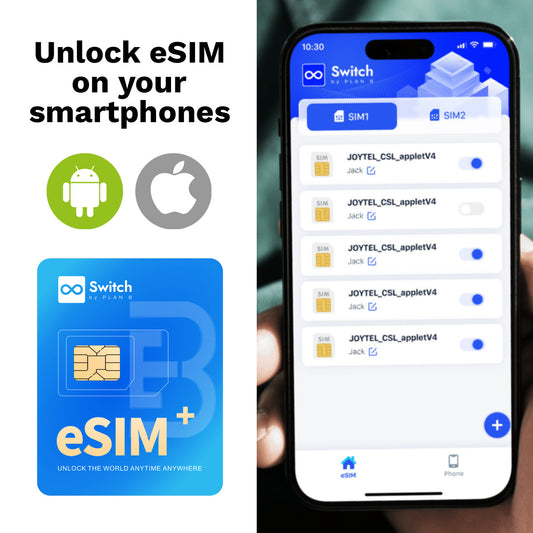
Switchesim lists both Pro and Max as holding up to 15 eSIM profiles. That is storage capacity, not a promise of 15 active connections or a way to combine their data allowances. Confirm the supported switching procedure for your chosen card and device.
For a 2026 multi-country shoot, match each profile to a specific purpose. Keeping expired or unidentified profiles without a record makes troubleshooting harder, while deleting a working profile without checking reinstallation terms risks unnecessary recovery work.
- Label each profile by destination and provider.
- Record its allowance and validity separately.
- Keep activation credentials out of shared call sheets.
- Confirm reinstallation rules before deleting a profile.
- Test the supported switching procedure before departure.
Load and test profiles before the shoot
Read the current setup instructions and the provider’s activation terms before scanning or entering credentials. Some plans tie validity to installation or network use, so establish the trigger before testing. Do not assume early provisioning leaves every plan’s validity untouched.
For Pro, follow the supported Android-app management path. For Max, distinguish preparing the card from using the configured card in a compatible iPhone. For reader provisioning, follow the reader’s instructions rather than assuming the phone’s native eSIM setup screen performs the same job.
Test the complete production chain. A successful installation proves less than a completed transfer from your actual editing device to your actual delivery destination, particularly when tethering is involved.
- Prepare the provider’s QR code or manual activation details securely.
- Load the profile using the chosen management route.
- Select the intended profile using the supported procedure.
- Check mobile data and any required provider settings.
- Test tethering if your laptop depends on it.
- Upload a representative preview or delivery file.
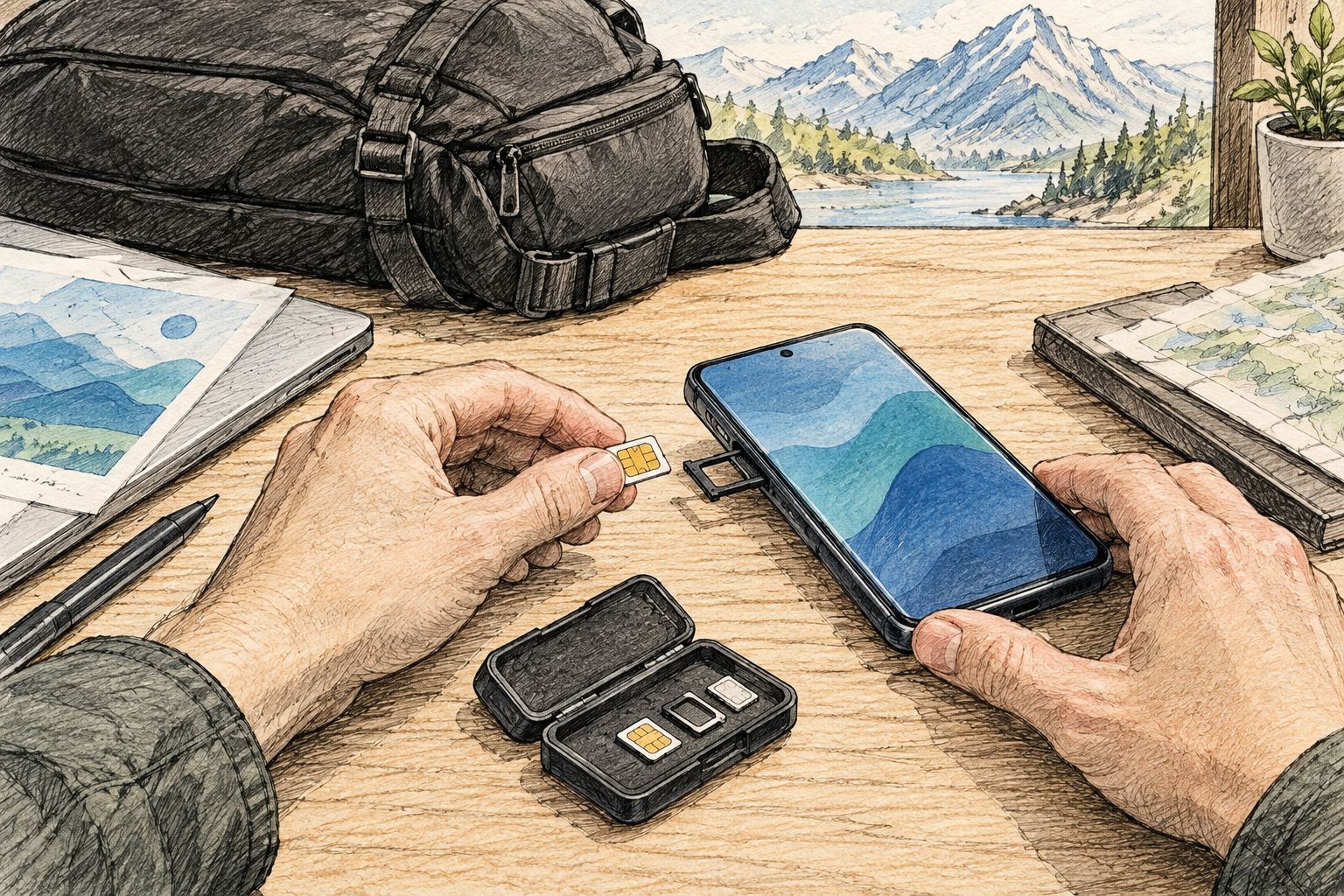
A physical workflow deserves a physical rehearsal. Practise handling the tray and storing the card at a clean desk, not while the crew is waiting in a moving vehicle or an exposed location.
Protect activation details and review the privacy model
Start with basic access control. Keep QR codes and activation strings away from public production folders, and restrict them to the people responsible for provisioning. An activation credential is not a harmless reference image to include in a client-facing document.
The reader’s stated no-account requirement concerns its provisioning workflow. It does not remove an eSIM provider’s registration requirements or the mobile network’s role in carrying traffic. Likewise, an open-source reader is not evidence that every component of the connectivity chain has been independently audited.
Separate connectivity from confidentiality. Review your delivery service, device security and provider terms alongside the adapter rather than treating removable hardware as a complete privacy solution.
- Store activation credentials in a restricted location.
- Lock provisioning phones and editing devices.
- Remove credentials from screenshots before sharing troubleshooting notes.
- Review the eSIM provider’s identity and account requirements.
- Confirm who can access reader-management sessions.
Rehearse a fallback and assign ownership
Build a written fallback procedure before adding more hardware. Identify which connection supports client contact, which supports uploads and who decides to switch when a transfer stalls. Keep the procedure accessible without depending on the connection it describes.
An additional profile does not prove network independence. Check the underlying network named by each provider rather than assuming different retail brands mean different coverage. If your assignment requires dependable delivery, preserve local copies instead of treating a mobile upload as the only copy.
For a shared 2026 production kit, establish who holds the reader, who knows the setup path and who records changes. A card that only one absent crew member knows how to manage is an operational weakness.
- Record the primary and fallback providers.
- Verify their underlying networks where disclosed.
- Keep local copies of essential footage.
- Name the person responsible for profile changes.
- Test recovery with the actual crew equipment.
Compare the options for your production kit
Choose the management route first, then the hardware. This 2026 comparison separates the adapter from the equipment used to provision it; the Bluetooth reader is not a mobile data connection by itself.
| Option | Best for | Main advantage | Key limitation |
|---|---|---|---|
| Native eSIM | Crews whose existing device and provider already support it | Avoids a removable adapter | Depends on native device and provider support |
| Switch Pro | Compatible Android-based location kits | Android profile management and storage for up to 15 profiles | Requires a supported Android management setup |
| Switch Max | Compatible iPhone and mixed-device crews | Configured-card use extends to compatible iPhones; stores up to 15 profiles | Requires a compatible physical SIM slot and a confirmed provisioning route |
| Bluetooth reader | Crews needing Android-independent provisioning | Separate profile-loading path | Additional hardware; does not supply the mobile connection |
| Pre-loaded destination-data cards | Shoots with a defined destination and data requirement | Destination data is supplied with the adapter | Device fit, allowance and validity still need checking |
For an Android-managed kit, Pro is the direct choice after compatibility confirmation. For compatible iPhone use, choose Max and establish how profiles will be loaded. The Adapter + Bluetooth Card Reader Bundle pairs provisioning hardware with an adapter; confirm the included card meets your target-device requirements.
Bulk Pro and Max supply is relevant to production teams standardising several kits. White-label options serve businesses selling hardware under their own brand, not a prerequisite for equipping a camera crew.
Common mistakes photographers and videographers make
Treating the adapter as an upload-speed upgrade
The adapter supplies a way to use eSIM profiles through compatible physical-SIM hardware. It does not replace the device’s modem or create better coverage. Test the transfer, not just the signal indicator.
Choosing an iPhone workflow without checking the tray
An eSIM-only iPhone has no physical slot for an adapter. Check the exact regional model before buying Max, and verify the provisioning route separately from configured-card use.
Confusing stored profiles with concurrent connectivity
Capacity for up to 15 profiles does not mean concurrent uploads across those profiles. Do not plan connection bonding, automatic failover or simultaneous lines unless the complete setup explicitly supports the required behaviour.
Spending the delivery allowance on background transfers
Automatic photo syncing, software downloads and cloud backup compete with your intended delivery. Review those settings before tethering an editing laptop, then reserve the connection for the files the client actually needs.
FAQ
What is the best eSIM adapter for photographers and videographers?
The best choice depends on device compatibility and profile management: choose Switch Pro for a confirmed compatible Android-managed kit or Switch Max for confirmed compatible iPhone use. Add the Bluetooth reader when you need an Android-independent provisioning route.
Can an eSIM adapter make my footage upload faster?
An eSIM adapter does not itself increase upload speed. Your device, network conditions, coverage and provider terms determine the connection’s performance; test a representative transfer before relying on it.
Can I use an eSIM adapter in an iPhone without a SIM tray?
No physical eSIM adapter fits an iPhone without a physical SIM tray. Use the device’s supported native eSIM options instead, subject to carrier and provider compatibility.
Do I need an Android phone to load profiles?
Android-app management requires a compatible Android device, but the Bluetooth reader provides a separate provisioning route. Confirm its current instructions and your provider’s supported activation method before buying.
How many profiles can Pro and Max store?
The supplied product specifications list up to 15 stored eSIM profiles for both Pro and Max. Storage capacity does not establish how many profiles can connect simultaneously.
Can I use the adapter in a camera or production hotspot?
Use an adapter only in a device whose exact model and physical SIM interface are confirmed compatible. A SIM slot alone does not prove support, and a camera without a compatible cellular interface cannot gain mobile data simply by adding the card.
Does the no-account Bluetooth reader make mobile data anonymous?
No-account reader provisioning does not establish anonymous mobile service. The eSIM provider and network retain their own registration, account and traffic-handling requirements.
One last thing
Test from the editing laptop, not only from the phone. Opening a website on the handset does not validate tethering permissions, laptop background traffic or the client’s delivery service. Before your 2026 assignment, send a representative file through the exact chain you intend to use on location.