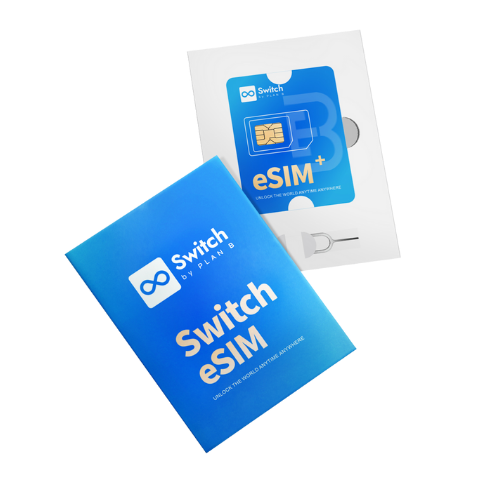
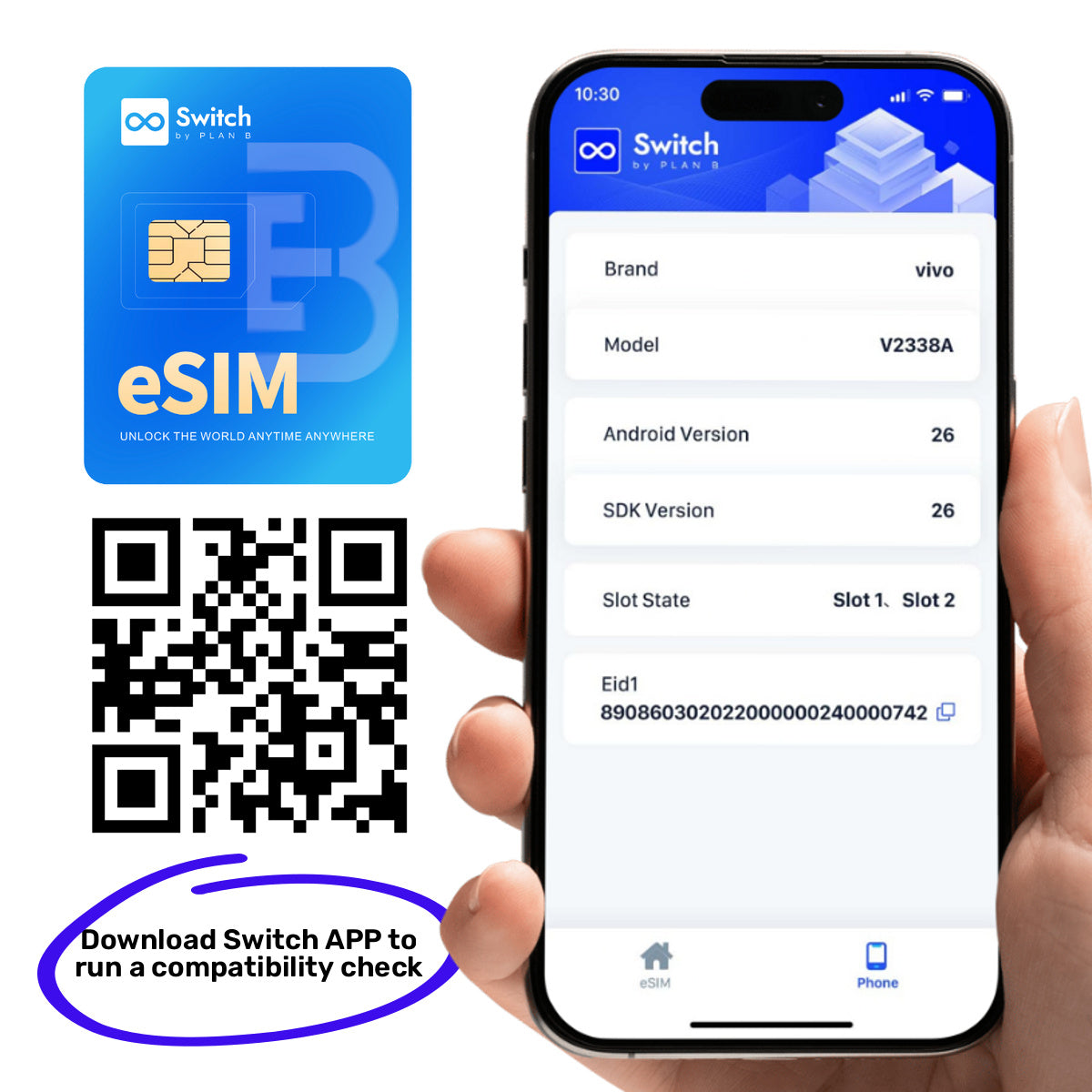
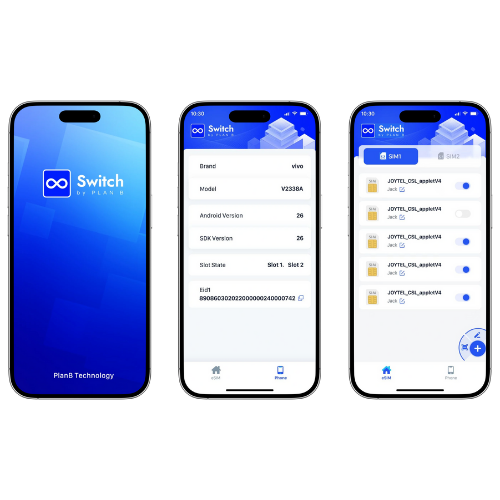
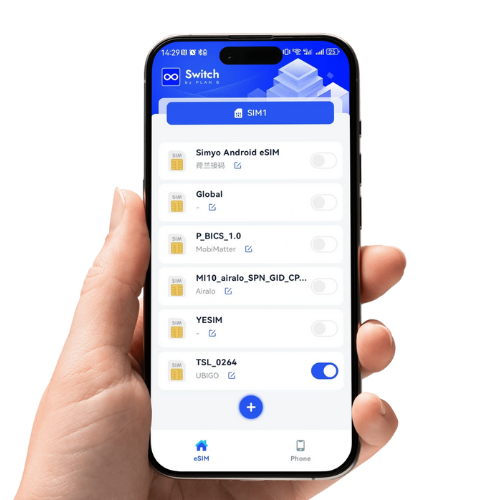
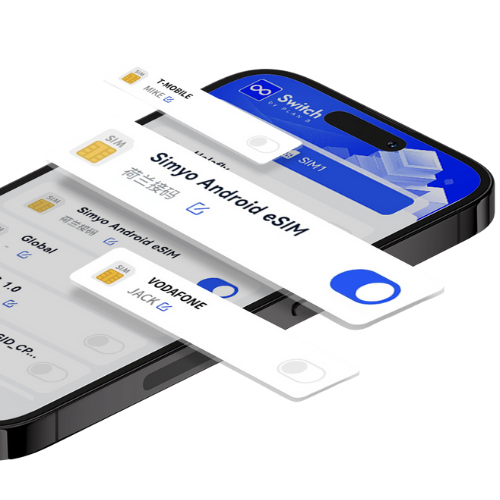
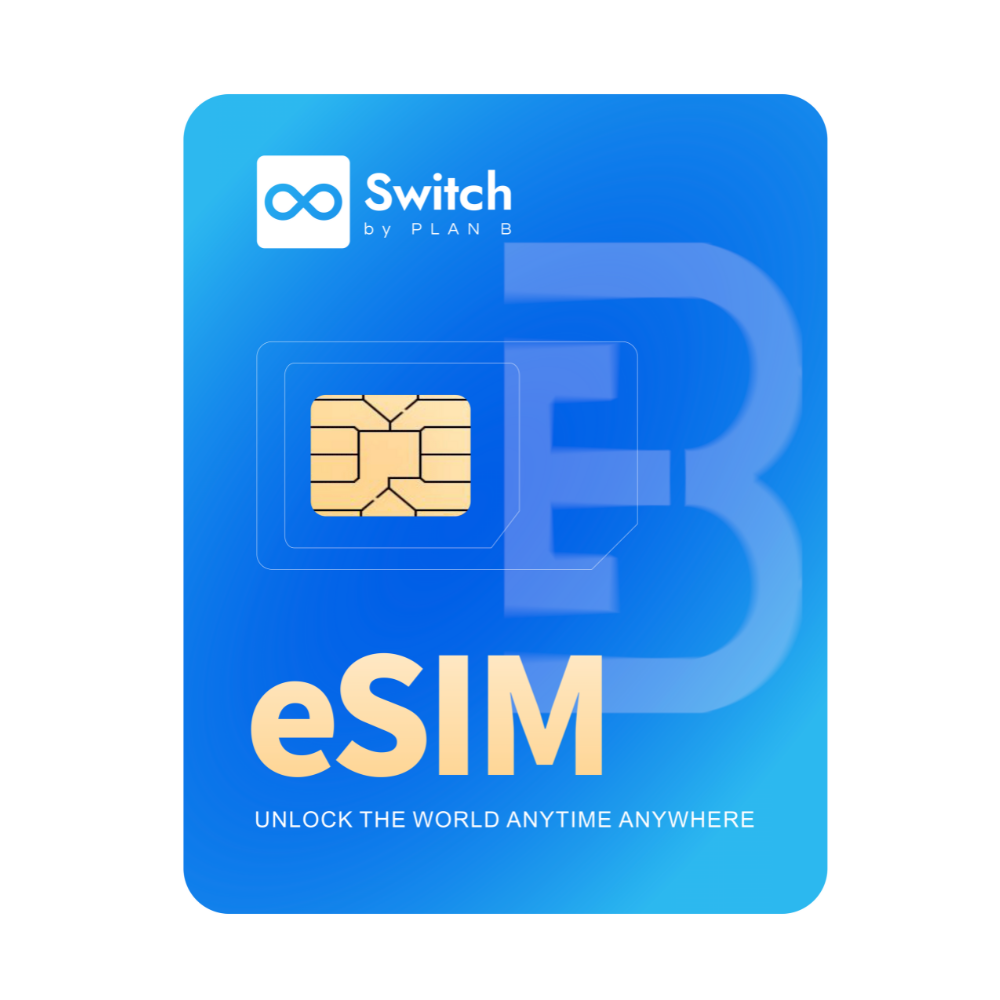
Switch Adapter Pro is a physical eSIM adapter for compatible Android phones with a SIM slot. It holds up to 15 eSIM profiles at once, so a home plan, a work number and a stack of travel plans all live on one card — swap between them from the Switch app in seconds, no shop visit, no new SIM. There's no account to create and nothing stored on our servers.
Who it's for
Android users who need more than one plan: frequent travellers, digital nomads, international students, and small teams provisioning regional numbers for short assignments. It's the straightforward choice if your compatible Android phone has a SIM slot but no built-in eSIM support.
Check before ordering: confirm your phone on the device compatibility page. For setup, limitations and product differences, read the complete Android eSIM adapter guide.
Using an iPhone? Pro is managed through the Switch Android app, so you'll want Adapter Max or the adapter + Bluetooth reader bundle instead.
How it works
-
Insert the card into your phone's SIM slot. Reboot if your phone doesn't pick it up straight away.
-
Install the free Switch Android app and complete the short setup.
-
Download your profiles. Add as many as you like over the life of the card — you're only ever limited to 15 stored at once.
Specifications
- Stores up to 15 eSIM profiles
- Unlimited profile downloads — replace and re-add profiles as often as you need
- Physical SIM format for compatible Android phones with a standard SIM tray
- Profile management via the free Switch Android app
- No account, no logins, no profile data on our servers
Choosing a pack
| Pack |
Quantity |
Discount |
| Single |
1 |
— |
| Family |
3 |
5% |
| Group |
6 |
7.5% |
| Team |
10 |
10% |
| Enterprise |
30 |
12.5% |
| Unicorn |
50 |
15% |
One card per phone — each holds its own 15 profiles, so buy one for every device you want to switch plans on.
FAQ
How many profiles can I store? Fifteen at a time, switchable whenever you like. Downloads themselves are unlimited.
Will it work in my iPhone? Profiles are loaded and switched using the Switch Android app, so Pro needs an Android phone. For iPhone, choose Adapter Max or the reader bundle.
Do I need to create an account? No.
What's the difference between Pro and Max? Both store 15 profiles. Max adds iPhone support.